
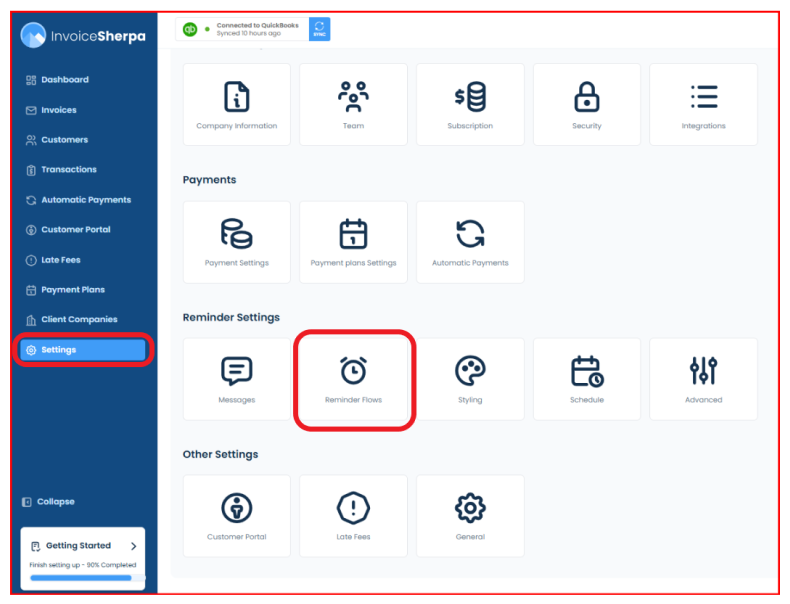
Reminders Settings - "Reminder Flows"
The tab can be easily accessed through the "Settings" option in the main menu bar.
Combine invoice reminders into a statement.

- Would you like to send a consolidated statement to your customer for multiple invoices? Instead of sending three separate reminders for three invoices, you can send one reminder that links to all three.
Send invoice ready emails for automatically paid invoices.

- If your customer is set to automatic payment and you want them to get a friendly reminder, toggle the option from grey to blue.
Show credit memos on statements.

- When using credit memos, please activate this option so your customers can view their credit memos as a line item on their monthly statements.
Minimum invoice amount due to send a reminder

- This feature lets you send customer reminders based on a specified threshold amount.
Include open invoices in statements if they are due within

If, within your Workflows, you have created a statement notification, any invoices due within the next XX days will be included in the statement.